


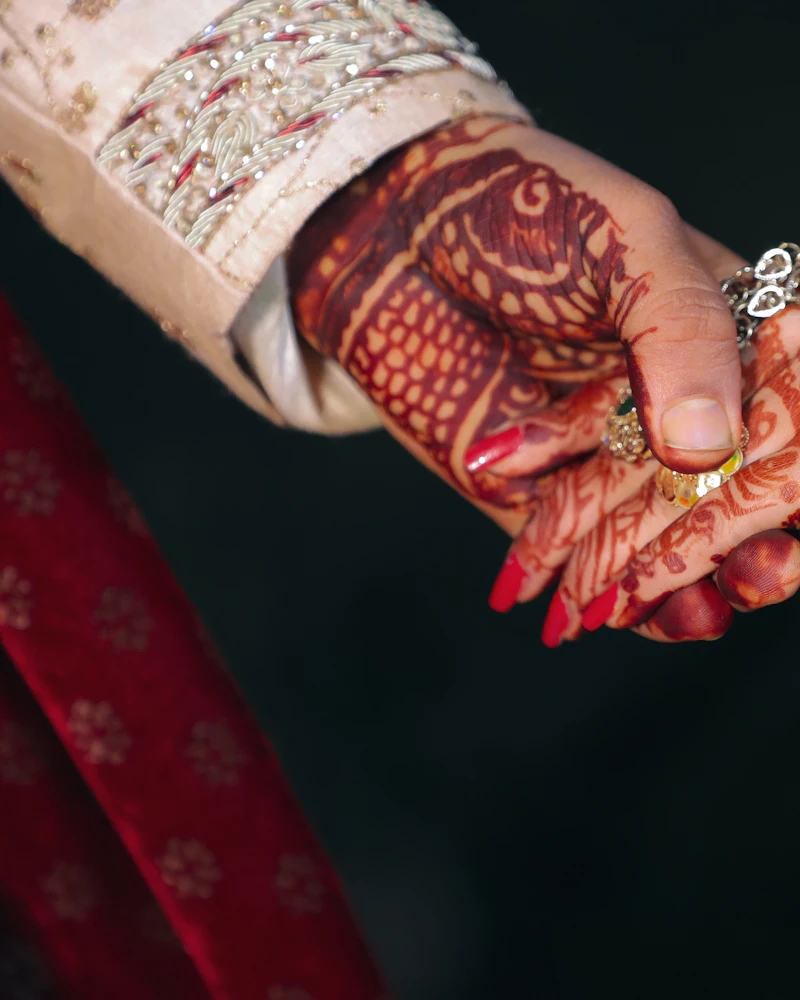
Full day
Weddings
Wedding, Haldi & Mehendi, Reception
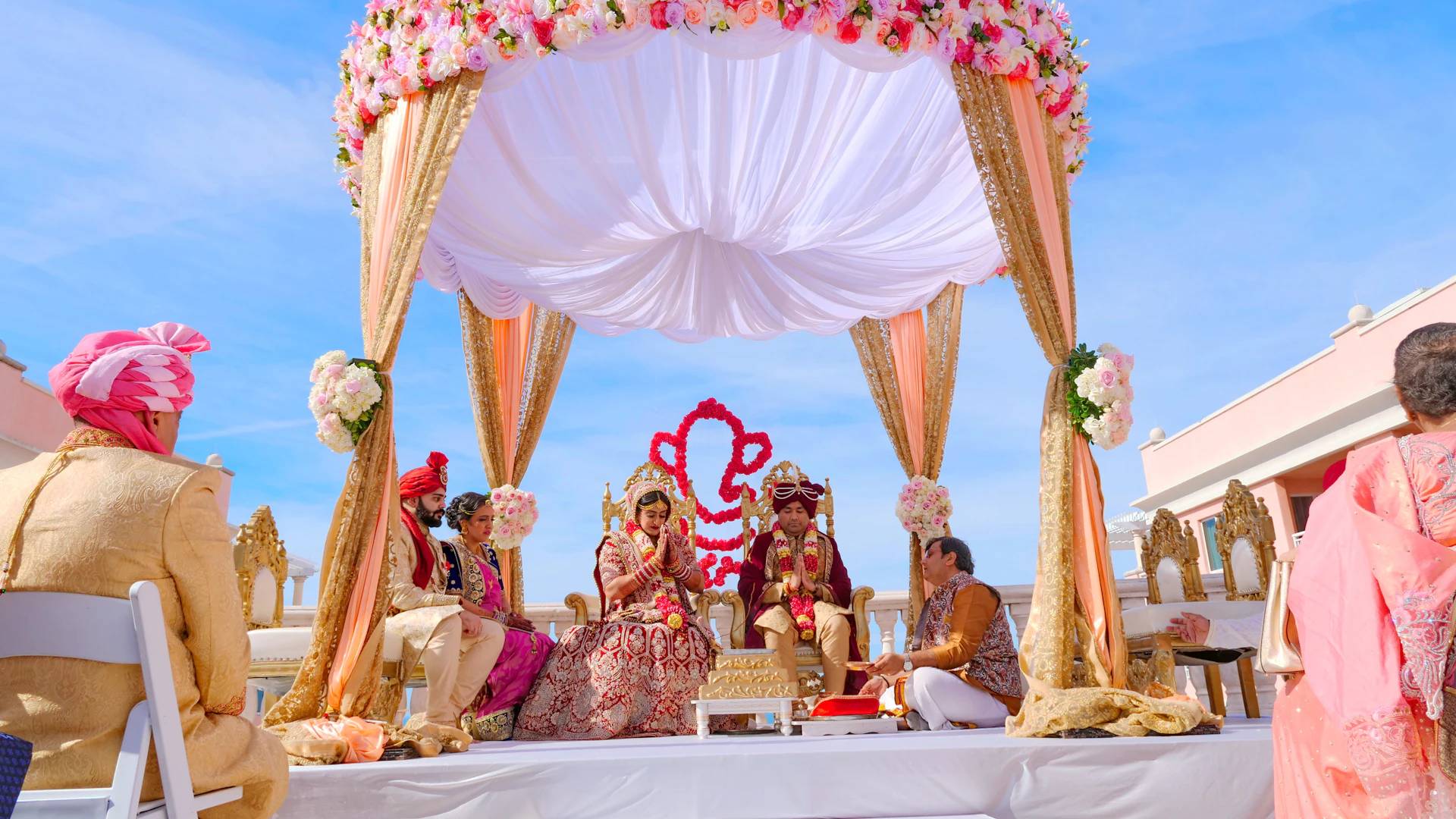
For clients
Weddings, birthdays, portraits, products and more. Compare packages and real reviews, pick a time, and pay a small advance safely by UPI.
Why CamMatch
Every photographer proves their identity before they can take bookings, and new photos and profile text are checked by our team before clients see them.
Packages list exactly what you get: hours, edited photos, albums, videos and delivery time. No hidden charges.
Your advance is held until the shoot is completed. If the photographer can't provide the service, you get it back in full.
Only clients who completed a booking can review it, so ratings come from real shoots.
How it works
Find a verified photographer, compare packages and book, all in the CamMatch app.
Shoots
Wedding, Haldi & Mehendi, Reception
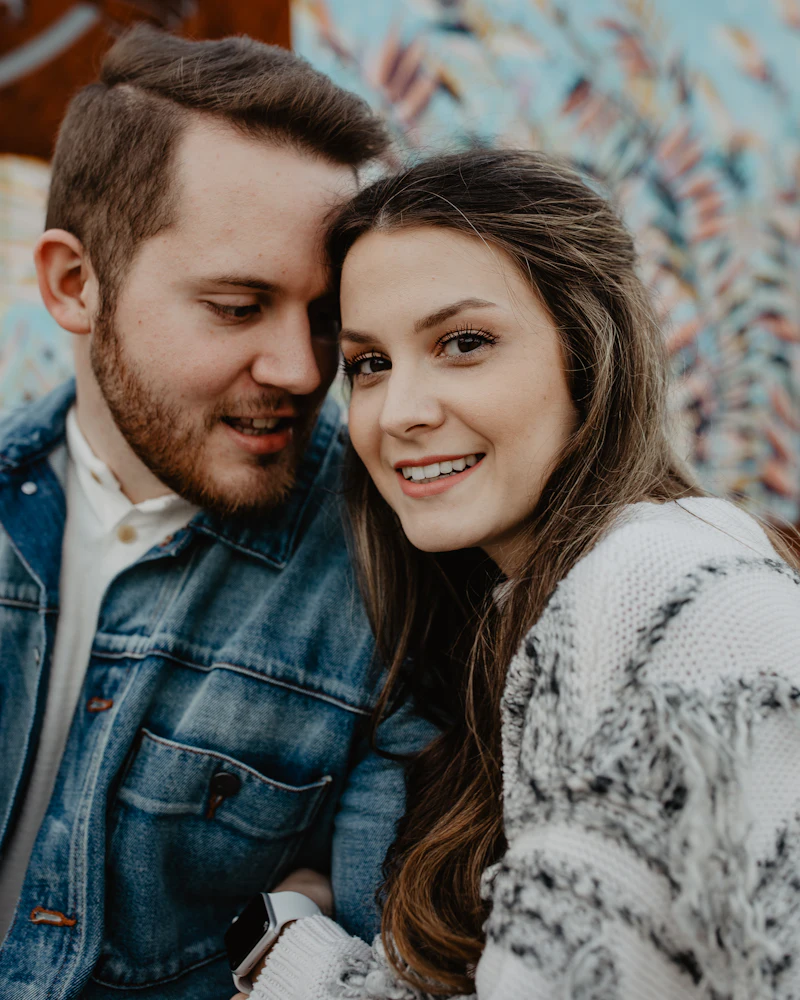
Couple, Pre-wedding, Engagement

Maternity, Baby shower

Newborn

Family, Kids

Birthday

Portrait

Graduation

Corporate, Event

Concert

Destination

Fashion

Product

Food

Real estate, Housewarming
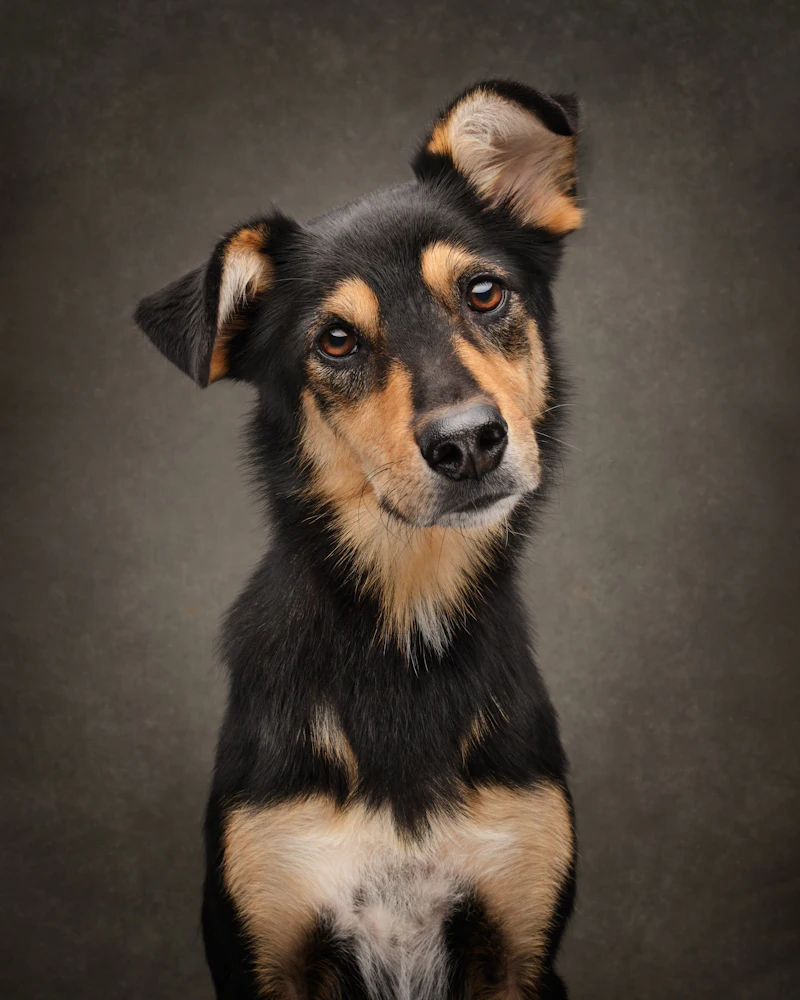
Pet
Tips
Wedding season dates go fast. Send requests a few weeks ahead, and have a second choice ready.
Look past the price: hours, number of edited photos, album or video, delivery time and travel.
Reviews come only from clients who completed a booking. Look at how recent they are, not just the stars.
Add notes to your request: must-have moments, family groups, and anything the photographer should know.
Add the full address and a contact number when you book, so the photographer arrives on time.
Outdoor portraits look best early morning or an hour before sunset. Ask the photographer what they suggest.
Leave time before and after the shoot. Rushed sessions show in the photos.
Note how the photos come (online gallery, album, prints) and when. It is listed in every package.
If something goes wrong, use "Get help with this booking". The advance stays held while we look into it.
A small advance, by UPI, after the photographer accepts. You pay the rest to the photographer directly. The app shows the exact amounts before you pay, with no hidden charges.
You can cancel a request, or a booking you haven't paid for, at any time and at no cost. Once you pay the advance the booking is final. If the photographer can't provide the service, we refund the advance in full. Cancellation and refunds
Before taking bookings, photographers verify their identity with a government ID (PAN, passport, driving licence or Voter ID) and a selfie, and confirm their mobile number. We never ask for Aadhaar.
Anyone aged 18 or over in India.
Use "Get help with this booking" in the app, or email support@cammatch.in.
Get the app
CamMatch is coming soon to the App Store and Google Play. Free to download, with no sign-up fee or subscription.
Step 1 Coming soon
Free on the App Store and Google Play, with no sign-up fee.
Step 2
Search by city and event, then filter by budget, rating and date.
Step 3
Hours, edited photos, albums and delivery time, all listed before you book.
Step 4
Pay a small advance by UPI. It's held until your shoot is done.
Step 5
Pay the rest to your photographer, get your photos and leave a review.